Namaste. 😉
If you're from India, here are 6 crypto cards that will accept your registration.
TLDR: No time to read everything? Skip down to the one best card we recommend for India, based on all the analysis and criteria.
|
USD
Apple Pay
up to 5% cashback
|
||
|
USD
Apple Pay
1% cashback
|
||
|
USD
No Apple Pay
2% cashback
|
||
|
USD
Apple Pay
|
|
|
USD
No Apple Pay
|
||
|
EUR
No Apple Pay
|

How Much Is the Foreign Exchange Fee to Use These Cards in India?
Since these cards are denominated in USD or EUR, every time you spend in India, your payment needs to be converted into Indian Rupee first. Your card will charge an FX fee when converting to INR.
Here's how they compare when it comes to foreign exchange (FX) fees.
* Visa and Mastercard charge around ~1% on top of the card's FX fee.
Example: Kolo charges 1% foreign exchange fee. On a 1,000 Rupees purchase, you pay ₹1,000 + ₹10 foreign exchange fee + ₹10 Visa foreign exchange fee = ₹1,020.
When a payment terminal asks, choose the local currency, Rupees. This lets your crypto card handle the exchange rate, so you can be sure of the exact percentage you will pay. If you choose USD, the local POS terminal bank does the conversion instead, often at a worse rate. In some countries, that markup can reach 8%.
Which Crypto Cards offer Physical cards for India?
Here are all the crypto cards that offer a physical card in India:
Here are all crypto cards that support India but DO NOT offer a physical card:
How Much Cashback Do These Crypto Cards Pay?
Out of the 6 crypto cards available in India, 3 offer cashback.
The highest advertised cashback % is usually not what you get on the free tier. You may need to pay a monthly fee or stake a large amount of tokens to unlock it.
Below you will see the entry-level cashback rate instead: what you can earn on the Free tier.
 Kolo
5%
daily spend limit 50,000 USD
Kolo
5%
daily spend limit 50,000 USD
 Pionex
₹47,526
1% cashback
daily spend limit 10,000 USD
Kolo
5%
free tier
₹2,400
monthly cap reached
capped at ₹9,505 a month
same on every tier
Pionex
₹47,526
1% cashback
daily spend limit 10,000 USD
Kolo
5%
free tier
₹2,400
monthly cap reached
capped at ₹9,505 a month
same on every tier
When you use the Kolo Card, you can earn 1–5% Bitcoin cashback on your purchases. Simply spend with your Kolo card and the cashback will be credited to your BTC balance, usually within about five days after the transaction.
When you first sign up, you will receive 5% cashback on all your card transactions. The cashback percentage will change after your first month:
| Kolo Account Age | Cashback Rate | Max Cashback per Purchase | Max Cashback per Month |
| 1st Month | 5% | $5 | $100 |
| After First Month | 1% | $1 | $100 |
If you continue holding your cashback in BTC, the value of the rewards may increase over time if Bitcoin appreciates.
To create a new card, you’ll need to deposit 10 USDC. This isn’t a fee — the full amount is yours to spend, so the card is essentially free to open.
 Based
2%
free tier
₹960
monthly cap reached
capped at ₹1,901 a month
same on every tier
Based
2%
free tier
₹960
monthly cap reached
capped at ₹1,901 a month
same on every tier
Based Card offers 2-4% cashback, but the monthly cashback caps are pretty low:
| Tier | Cashback | Cashback Cap | Extra Bonuses |
| Orange
(coming soon) |
0% | - | - |
| Hype
10,000 $BASED Staked ~500 USD¹ |
2% | 20$ | $10/month on ChatGPT & Claude |
| Gold
100,000 $BASED Staked ~4,800 USD¹ |
4% | 100$ | $20/month on Netflix + $100/month on ChatGPT & Claude. Plus, 4 airport lounge visits per year. |
You receive cashback in $BASED tokens at the start of each month. Since the $BASED token has already launched (TGE was in March 2026), you can convert the cashback into USDC or USDT right away and then spend or withdraw it.
Reality CheckSome other crypto cards advertise higher cashback %, but you may end up earning less because their monthly cashback caps are much lower. When compared at the entry-level tier, Based Card's 2% cashback offers similar value comparing to competitors:
| Based Card | Industry Average1 | |
| Entry Level Cashback | 2% | 1% |
| Entry Level Cashback Monthly Cap | 20 USD | 55 USD |
Here are Based's membership levels, pricing and benefits for each plan. Pick the one that makes sense for your budget and the perks you actually care about.
 Orange Tier Coming Soon |
 Hype Tier LIVE |
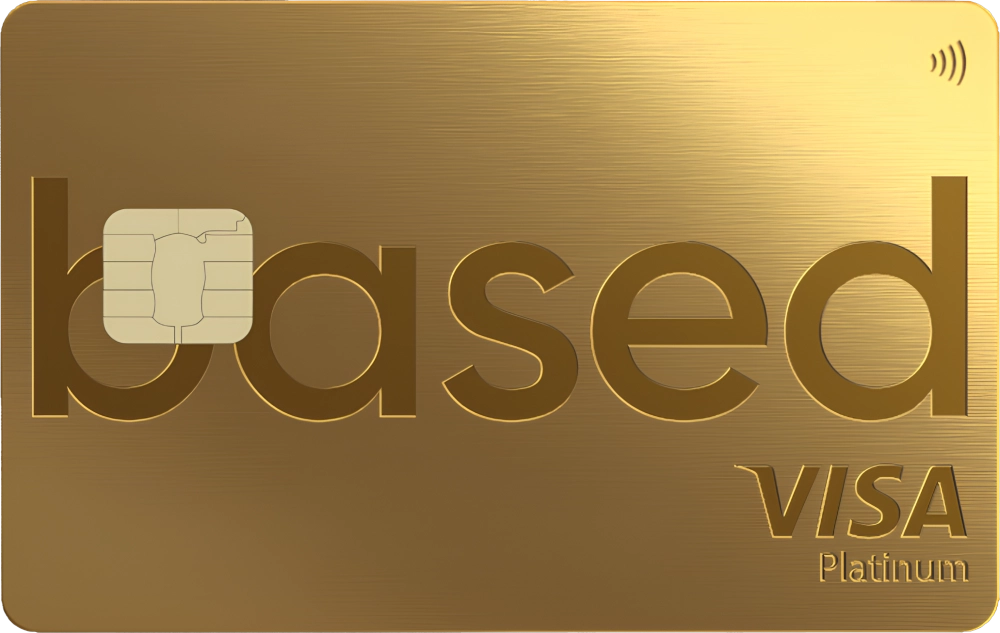 Gold Tier LIVE |
|
| Price | $0 | 10,000 $BASED staked (~ $472 to stake) |
100,000 $BASED staked (~ $4,715 to stake) |
| Cashback | 0% | 2% ($20 cap) |
4% ($100 cap) |
| FX Fee | 2.5% | 1.5% | 0% |
| Daily Spend Limit | $3,000 | $3,000 | $30,000 |
| Airport Lounge Access | - | - | |
| Invite-Only Events | - | - |
Pionex
1%
free tier
₹480
monthly cap reached
capped at ₹47,526 a month
same on every tier
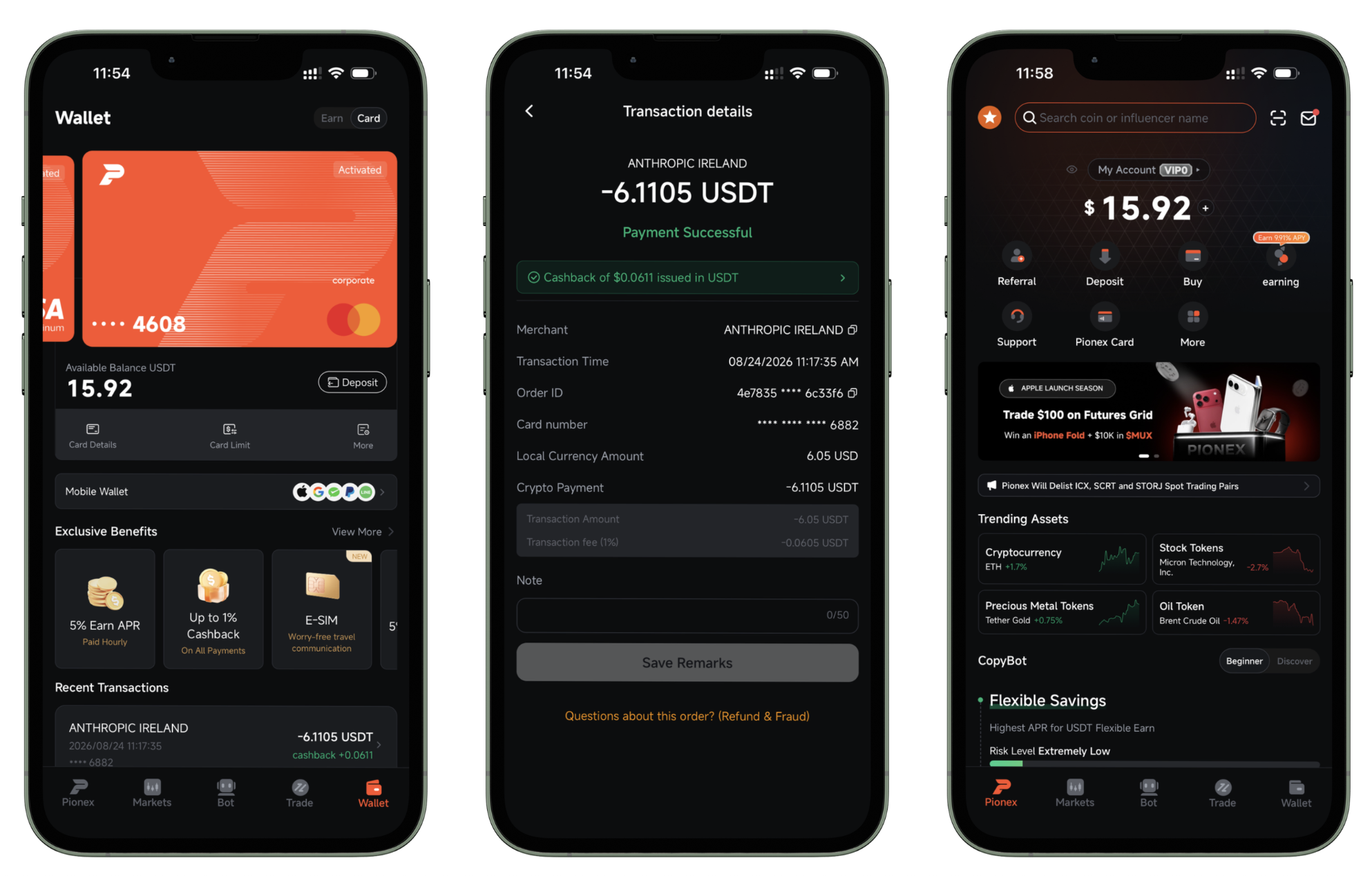
Pionex Card offers 1% cashback on eligible purchases.
The cashback basically offsets the 1% FX fee on non-USD purchases, making the FX cost 0%. Nice.
And, there is no cashback cap. Max monthly spend is $50,000, so you can earn up to $500 cashback per month.
Reality CheckSome other crypto cards advertise higher cashback %, but you may end up earning less because their monthly cashback caps are much lower. When compared at the entry-level tier, Pionex Card's 1% cashback offers more value:
| Pionex Card | Industry Average1 | |
| Entry Level Cashback | 1% | 1% |
| Entry Level Cashback Monthly Cap | 500 USD | 55 USD |
Cashback is paid on the amount you spend, and most cards limit how much you can earn. Some publish a monthly cap, and the figure above stops there. Others advertise a rate that only applies to the first slice of your monthly spend, then drop to a much lower ongoing rate - that drop is applied above too. Either way, a headline rate on its own tells you very little.
Here are all crypto cards that support India but DO NOT offer cashback:
Is There an Ideal Crypto Card for India?
To help you pick the best card, here goes. You should look at cards that have no monthly fee and no foreign exchange fee, let you spend without limits, pay you cashback, come with a physical card, and work with Apple Pay.
No card in India offers all 6 of these features yet. These are the ones that come closest:
| No Monthly Fee | 0% Foreign Exchange Fee | Unlimited Spend | Offers Cashback | Has Physical Card | Has Apple Pay | ||
|---|---|---|---|---|---|---|---|
|
Kolo
|
No Monthly Fee: yes | 0% Foreign Exchange Fee: no1% | Unlimited Spend: yes | Offers Cashback: yes | Has Physical Card: no | Has Apple Pay: yes | Go to Site Our Review8.3 |
|
Pionex
|
No Monthly Fee: yes | 0% Foreign Exchange Fee: no1% | Unlimited Spend: no10,000 USD | Offers Cashback: yes | Has Physical Card: no | Has Apple Pay: yes | Go to Site Our Review7.8 |
|
Based
|
No Monthly Fee: yes | 0% Foreign Exchange Fee: no1.5% | Unlimited Spend: no3,000 USD | Offers Cashback: yes | Has Physical Card: yes | Has Apple Pay: no | Go to Site Our Review6.3 |
|
Jam
|
No Monthly Fee: yes | 0% Foreign Exchange Fee: no2.5% | Unlimited Spend: yes | Offers Cashback: no | Has Physical Card: no | Has Apple Pay: yes | Go to Site Our Review6.1 |
 Nebeus Nebeus
|
No Monthly Fee: no4.95 EUR | 0% Foreign Exchange Fee: yes | Unlimited Spend: no5,000 EUR | Offers Cashback: no | Has Physical Card: yes | Has Apple Pay: no | Go to Site Our Review3.6 |
Kolo comes close, but it has a foreign exchange fee of 1% and no physical card. Pionex is not far behind, with a foreign exchange fee of 1%, a spending limit of 10,000 USD a day and no physical card. Based also makes the shortlist, though it has a foreign exchange fee of 1.5%, a spending limit of 3,000 USD a day and no Apple Pay.
Best for India: If you're from India, the best card for you to use, based on the above, is Kolo Card.



FOR INDIAN READERS
Know a Card Available in India That We Missed?
If there's a card that's not on this list, let us know and we'll add it.
Email Us the Card NameIt only takes 30 seconds